AI Security Overview
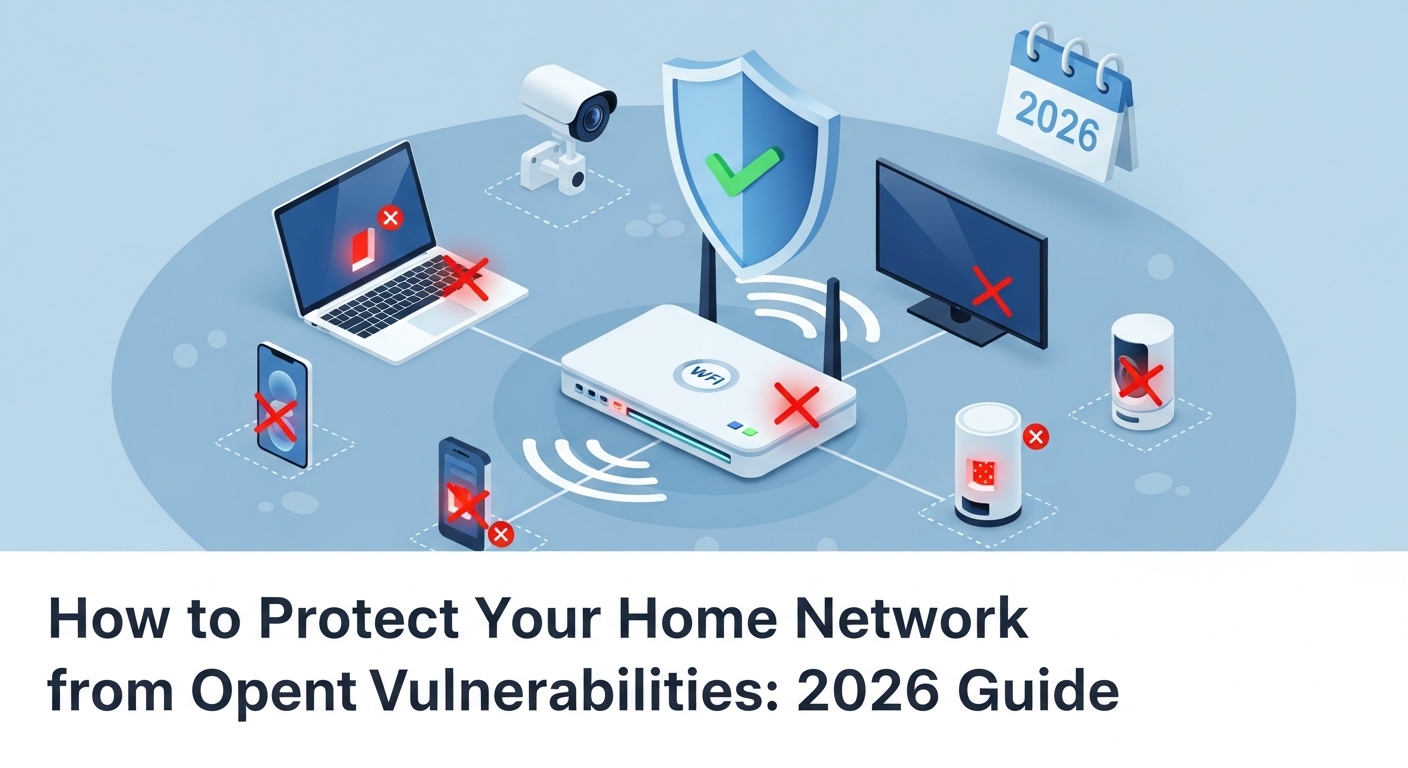
A Port is a virtual doorway on your router that allows specific types of internet traffic to enter. Home Network Security depends on keeping unnecessary ports closed. Open ports—like those used for remote printing or cameras—can be exploited by hackers to steal data or install malware. To check if your network is exposed, run an audit using our Online Port Scanner instantly.
In 2026, the average home has over 15 devices connected to the internet. From your smart fridge to your baby monitor, every device creates a potential path into your private life. But how do these devices actually talk to the internet? They use Ports.
Think of your home router as a large building with exactly 65,535 doors. Each door (port) is meant for a specific guest. Door 80 is for websites, Door 25 is for emails, and Door 53 is for DNS queries. Most of these doors should be locked and bolted from the inside. But if a door is left "Open," anyone—including hackers—can try to walk right in.
The Danger of the "Open Door"
When a port is "Open," it means your router is actively listening for a connection from the outside world. While this is necessary for some services (like playing online games or hosting a home server), it is often a security risk. Hackers use automated bots that scan millions of IP addresses every second, looking for specific open ports that have known vulnerabilities.
> Target_IP: 203.81.238.147
> Testing Port 21 (FTP)... OPEN (Warning!)
> Testing Port 80 (HTTP)... CLOSED
> Testing Port 443 (HTTPS)... CLOSED
> Testing Port 3389 (RDP)... OPEN (Critical Risk!)
-------------------------------------------
STATUS: VULNERABILITIES DETECTED. APPLY FIREWALL RULES IMMEDIATELY.
Top 5 Most Dangerous Ports to Leave Open
Not all ports are equally risky. Here are the ones that hackers love the most in 2026:
- Port 21 (FTP): Used for file transfers. If not secured, hackers can download your private photos and documents. High Risk
- Port 23 (Telnet): An old, unencrypted way to control devices. It is a favorite target for "Botnets" that turn home routers into zombie computers. Critical Risk
- Port 3389 (Remote Desktop): Allows someone to control your Windows PC from anywhere. If a hacker guesses your password, they own your entire computer.
- Port 5060 (VoIP): Used for internet phone calls. Hackers can use this to make expensive international calls on your bill.
- Port 1900 (UPnP): Used by smart devices to "Auto-configure." It often opens holes in your firewall without you knowing.
How to Audit Your Own Network
At iptracking.site, we believe you should be the master of your own security. You can perform a self-audit in three simple steps:
- First, use our My IP Tool to find your public IP address.
- Next, enter that address into our Port Scanner.
- Check the results. If any ports appear as "Open" that you don't recognize, it is time to take action.
Common Culprits: Why are My Ports Open?
Many people are surprised to find open ports on their network even though they never opened them. This usually happens because of UPnP (Universal Plug and Play). Modern devices like gaming consoles and smart TVs use UPnP to talk to the router and say, "Hey, I need a door open to work!"
While convenient, UPnP is notoriously insecure. A malicious app on your phone could use UPnP to open a back door on your router without ever asking for your permission.
3 Steps to Secure Your Home Network
If our diagnostic tools show that your network is vulnerable, follow this 2026 security checklist:
1. Update Your Router Firmware
Your router is a computer. Just like Windows or Android, it needs updates to fix security holes. Check the manufacturer's website (like TP-Link, Netgear, or Asus) every few months for the latest "Firmware." Use our MAC Lookup Tool to identify exactly which hardware model you are using.
2. Enable Stealth Mode
Many modern firewalls have a "Stealth Mode." When this is on, your router won't even answer when a hacker's bot scans you. It makes your home look like an "Empty Lot" on the internet highway, so hackers just move on to the next target. You can verify if your stealth mode is working by trying to Ping your IP. If the ping fails, you are invisible!
3. Use a Strong Admin Password
Most hackers don't "break" into routers; they just walk in using the default password like "admin" or "password." Change your router's login details immediately to something unique.
Conclusion: Security is a Habit
In the digital age, your home network is the castle that protects your family's data. Leaving open ports is like leaving your front door unlocked in a big city. By using the forensic tools on IP Tracking Site, you can stay one step ahead of the bad guys.
Don't wait for a security breach to happen. Bookmark iptracking.site and perform a weekly check of your IP Reputation and Open Ports. Stay safe, stay informed, and keep your digital doors locked.